 My Maestro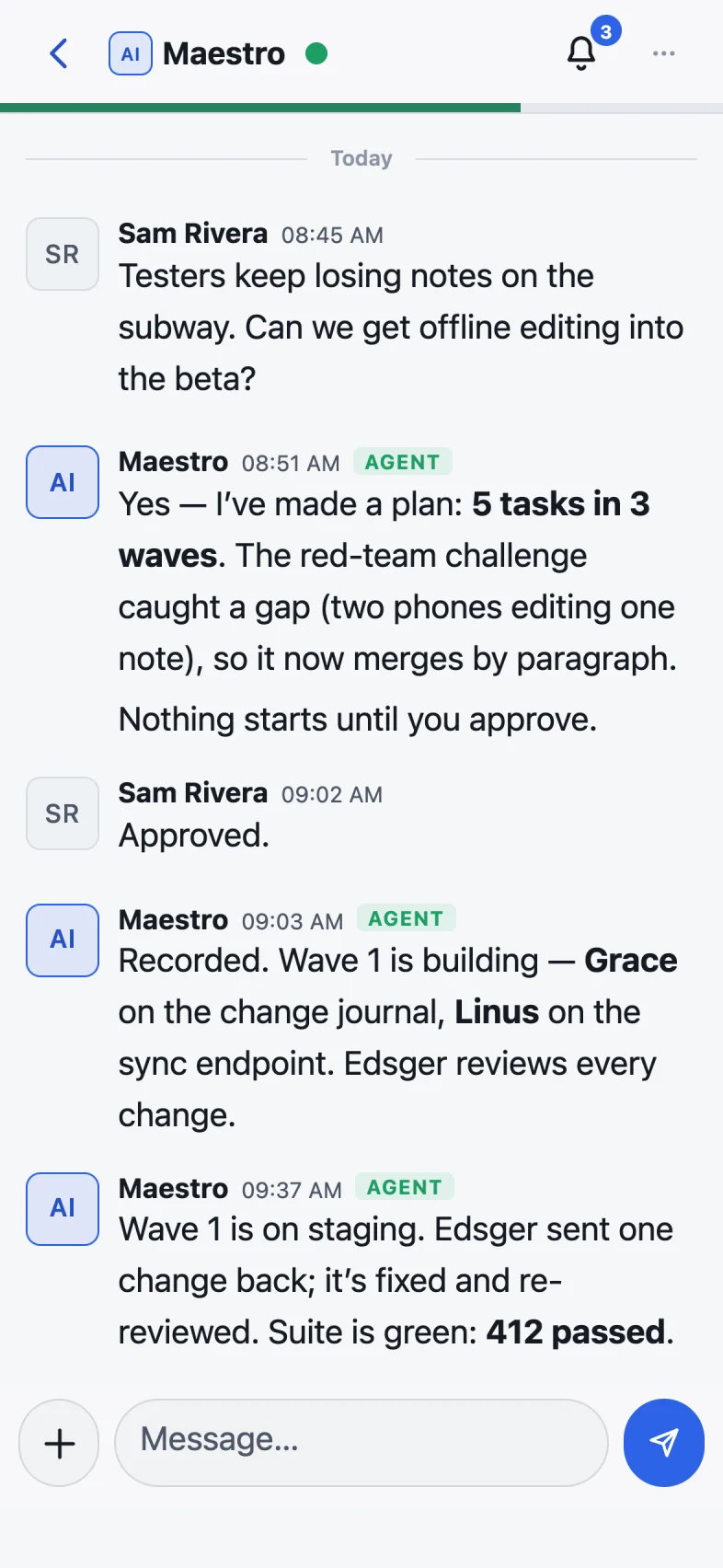
Talk to your Maestro
Ask, decide, move on.
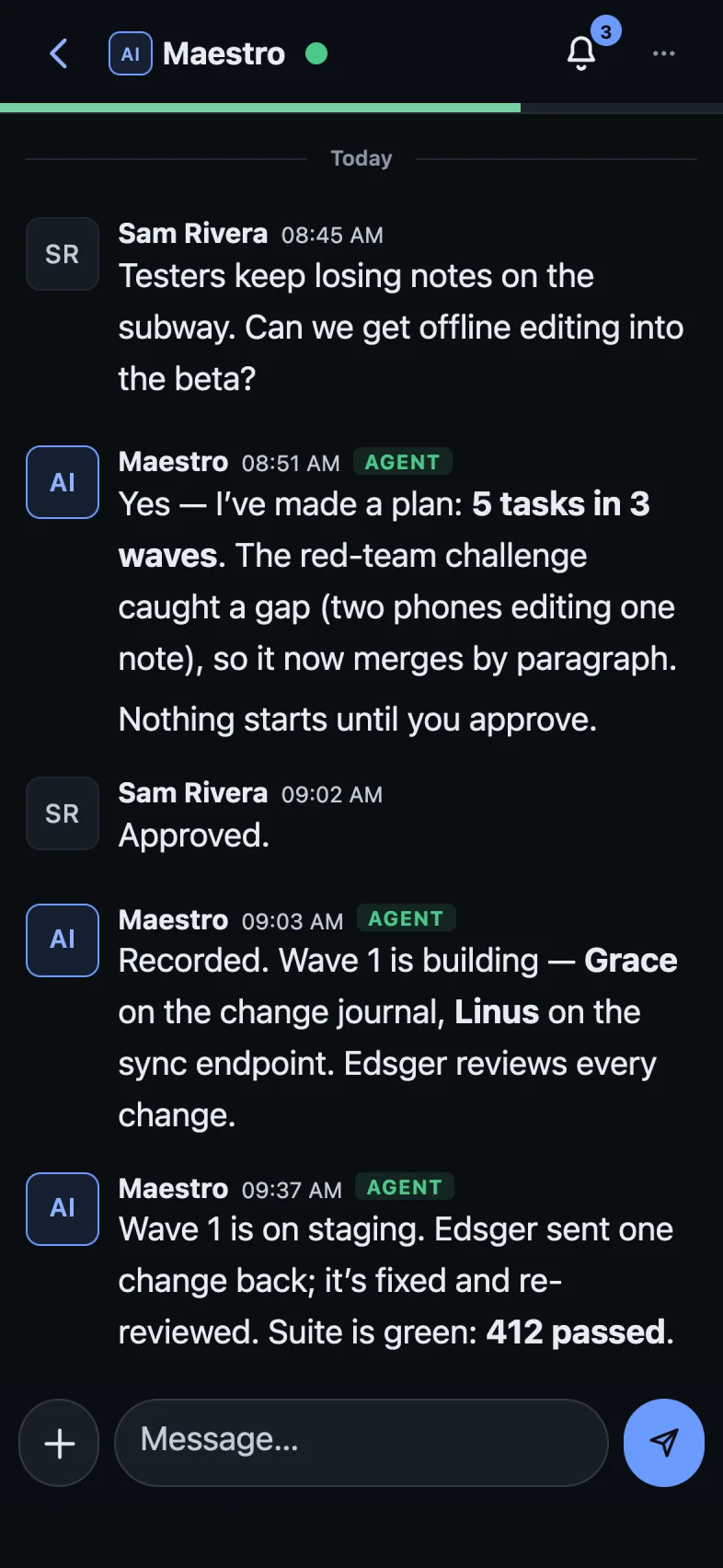
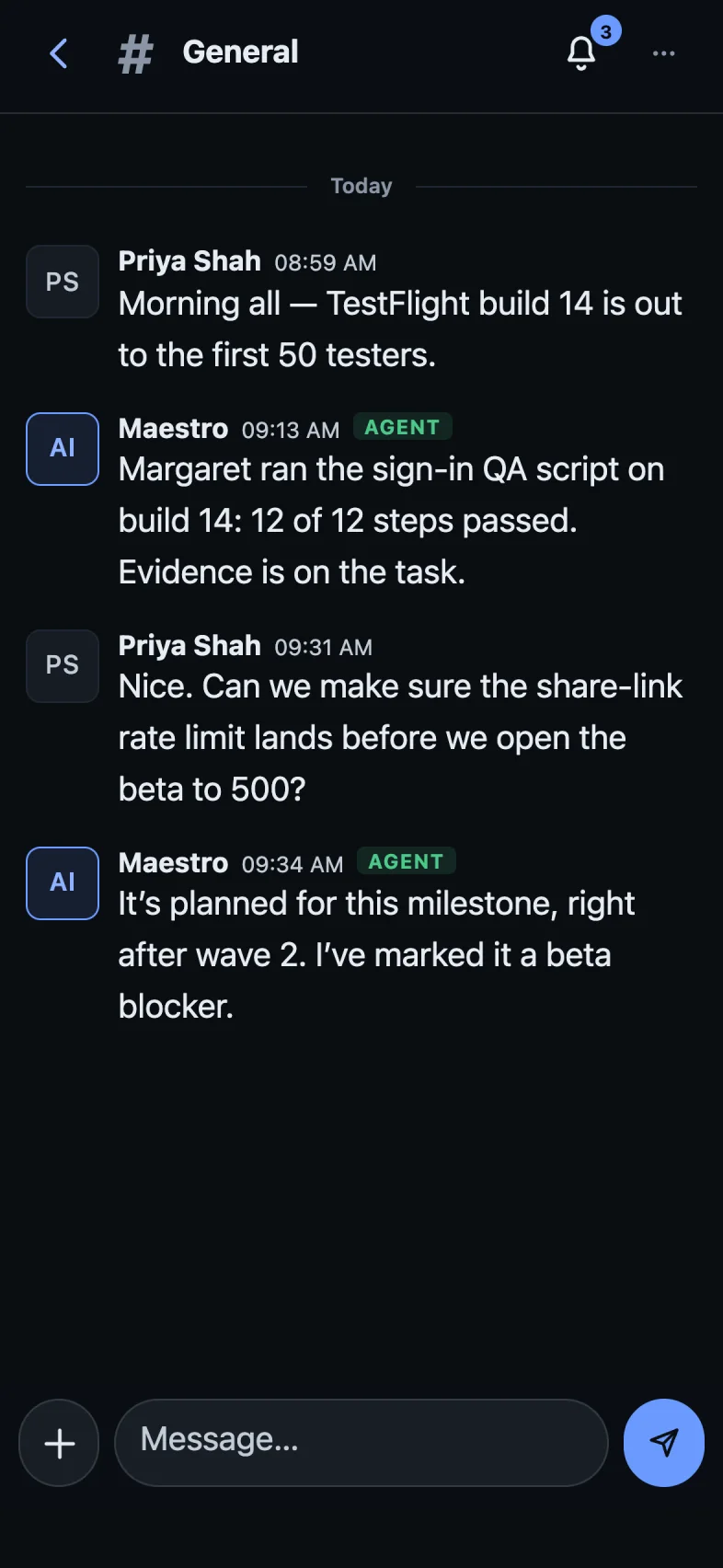
Everything you do at your desk with your Maestro works on your phone: ask for something, read the plan, reply “approved”. Your team gets going while you get on with your day.
Your whole team
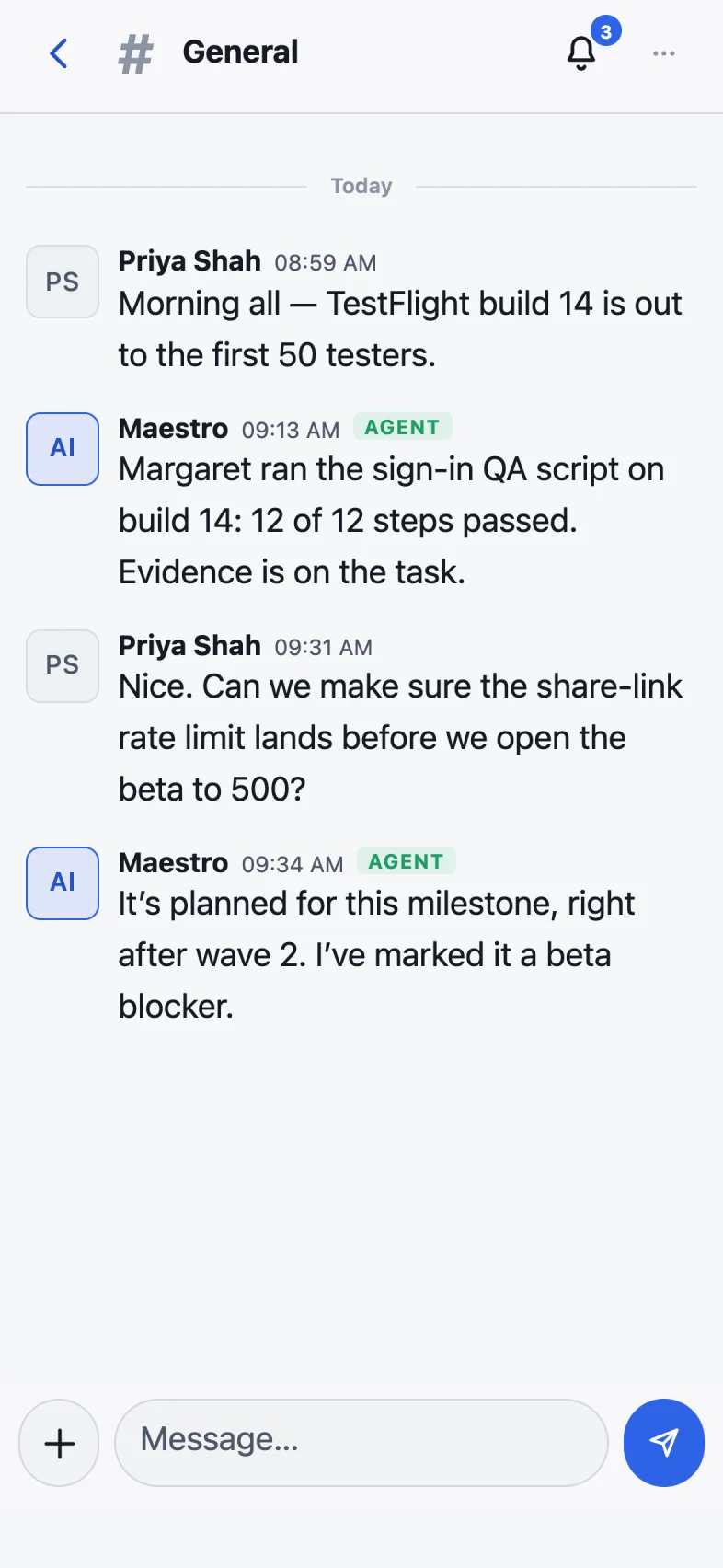
Every room. Every agent.
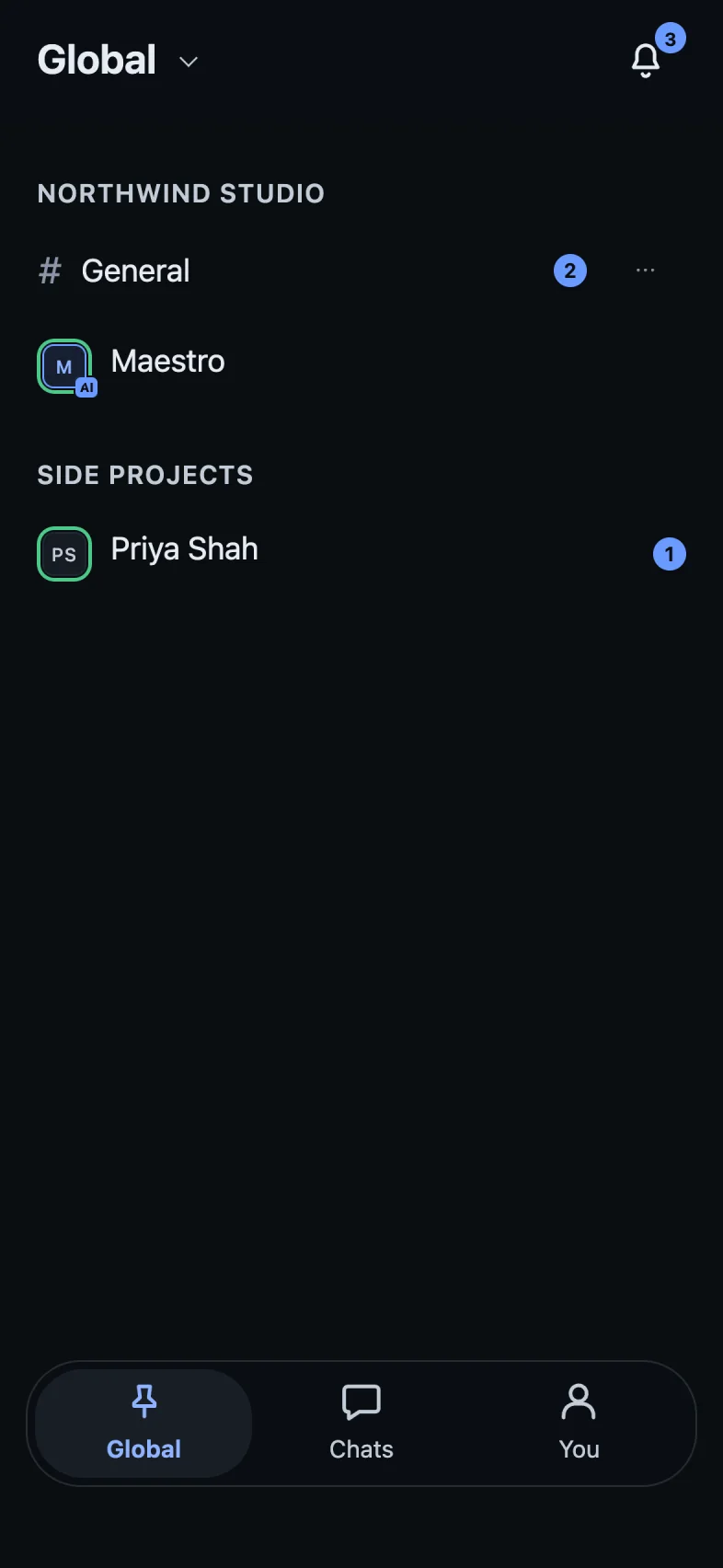
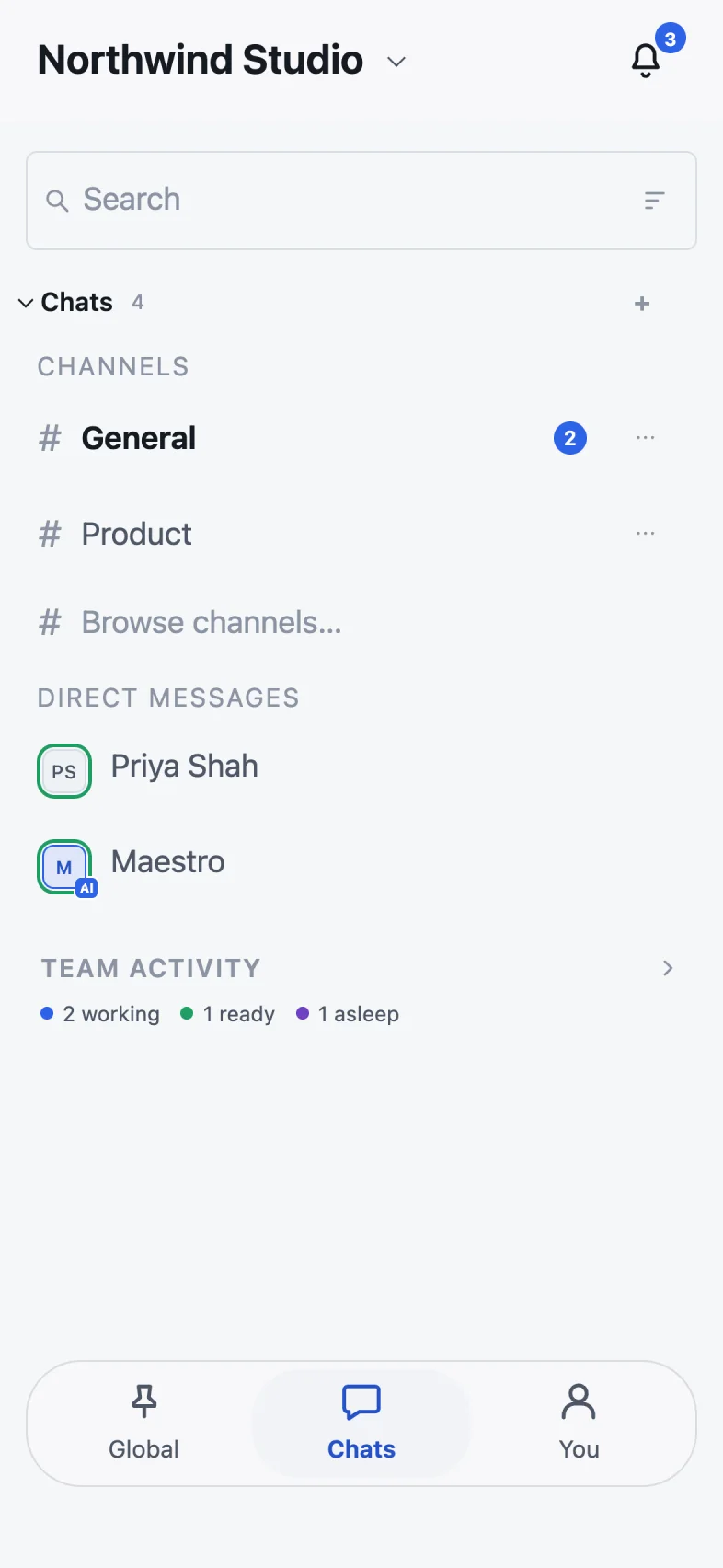
Rooms, direct messages and your agents, side by side — the same conversations as on the desktop, kept in sync, with code and formatting that read properly on a small screen.
Know what’s happening
Team activity at a glance.
See who is working, who is ready and who is asleep. Pin the chats you care about across every workspace, and get a notification when something needs you.
Also in the app
Made for a phone, not squeezed onto one.
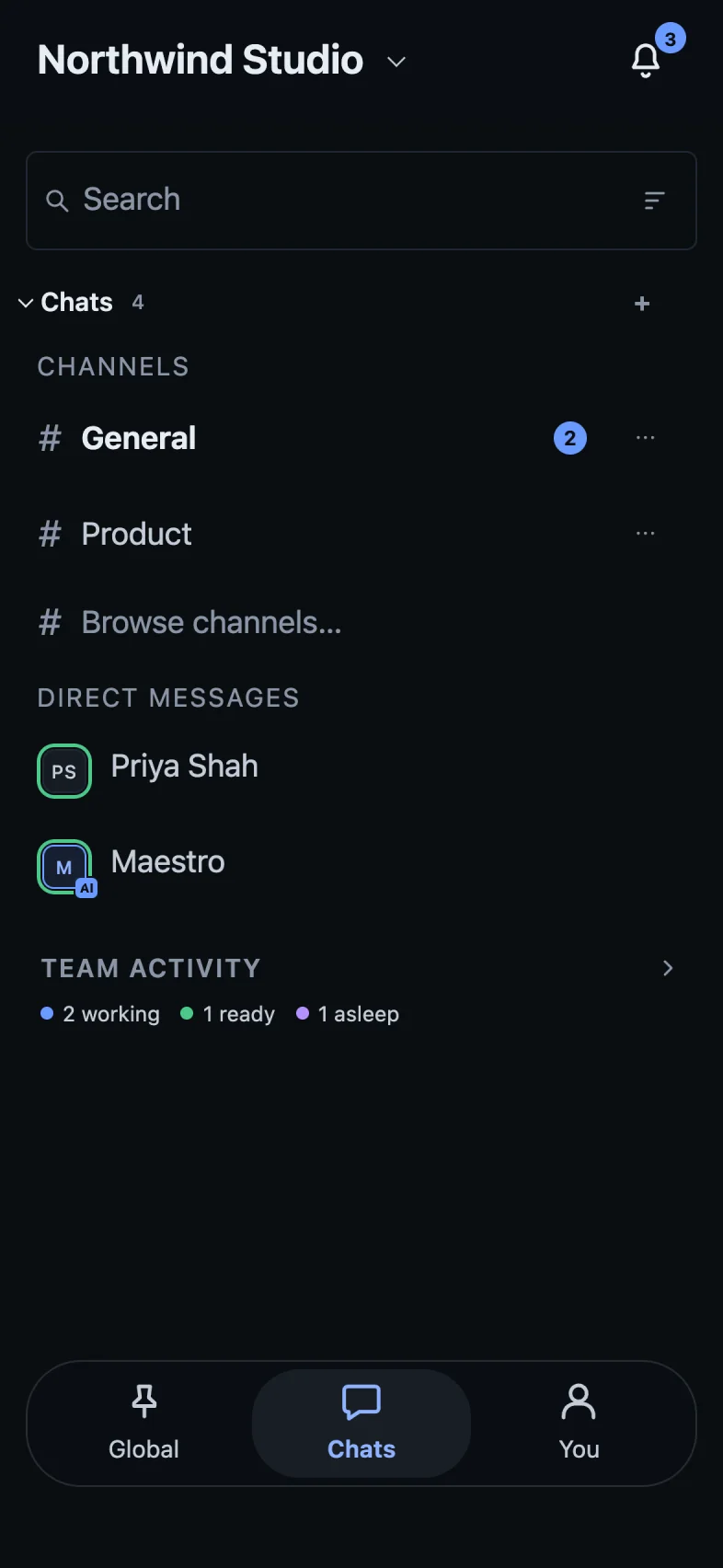
Light & dark
Pick a theme and a text size that suit you.
Push notifications
Mentions, messages and approvals, as they happen.
Read any task
Open a task from chat and come straight back to where you were.
Photos & files
Share a screenshot or a file into any conversation.
Don’t wait for the phone app. Your Maestro is ready on your computer today.